Project information
Original Perfect World and PWUnity: visual comparison
The same places, side by side. See what the screenshots show and what still needs to be assessed in the game.
How to read this comparison
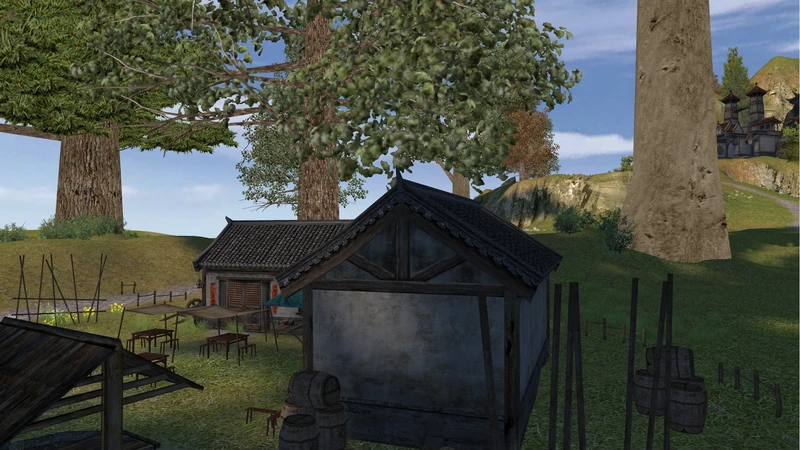
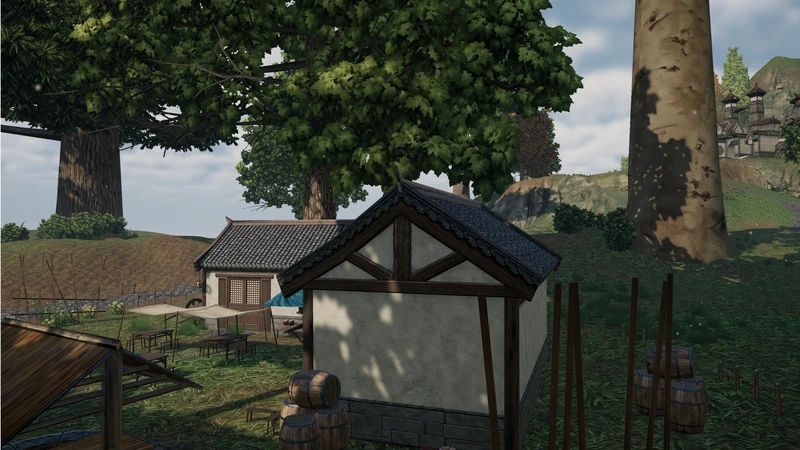
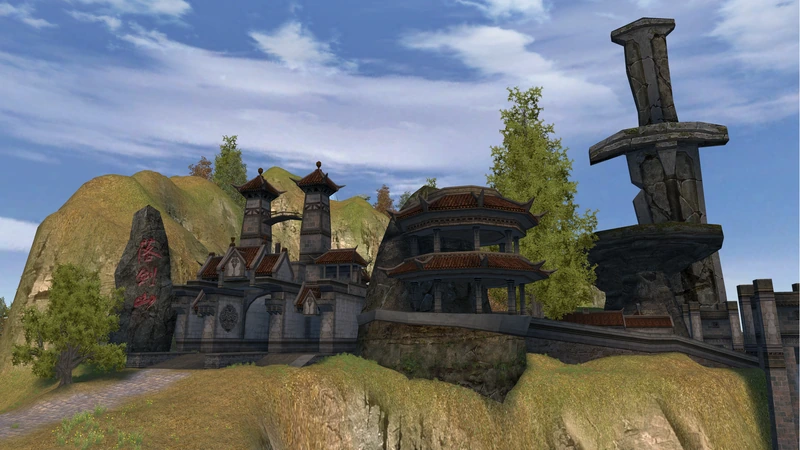
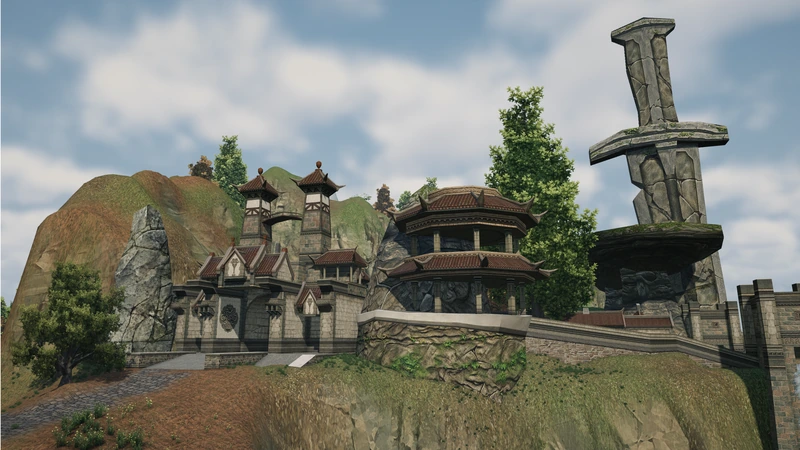
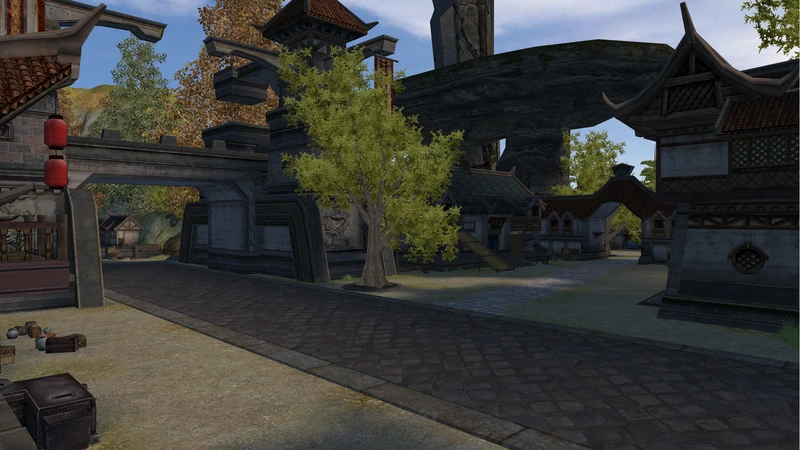
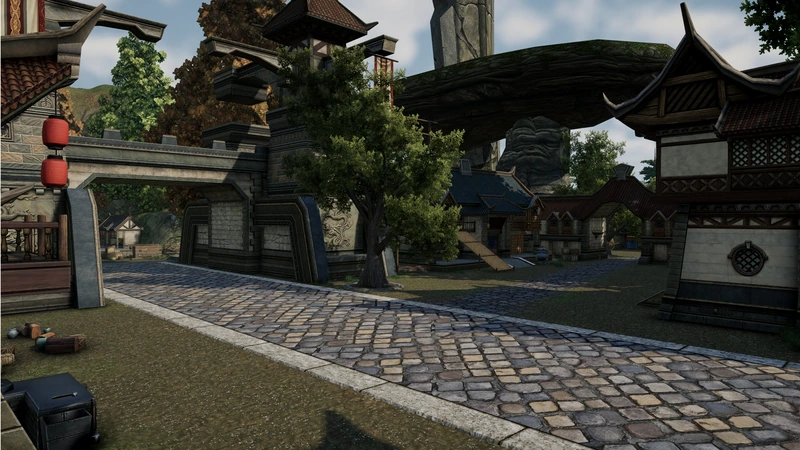
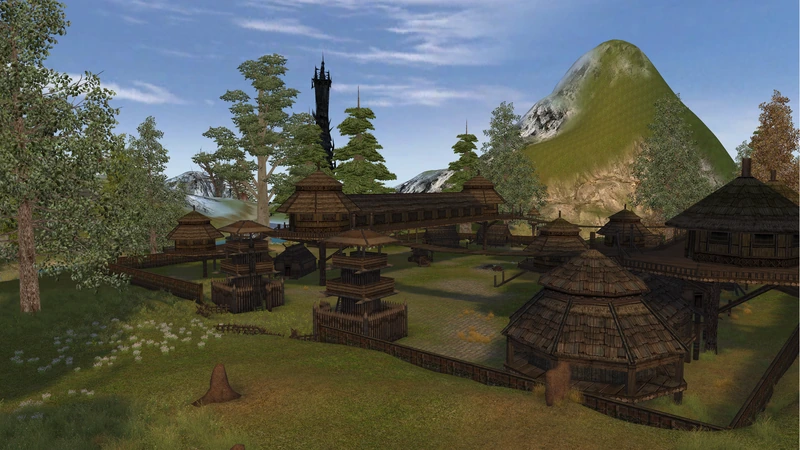
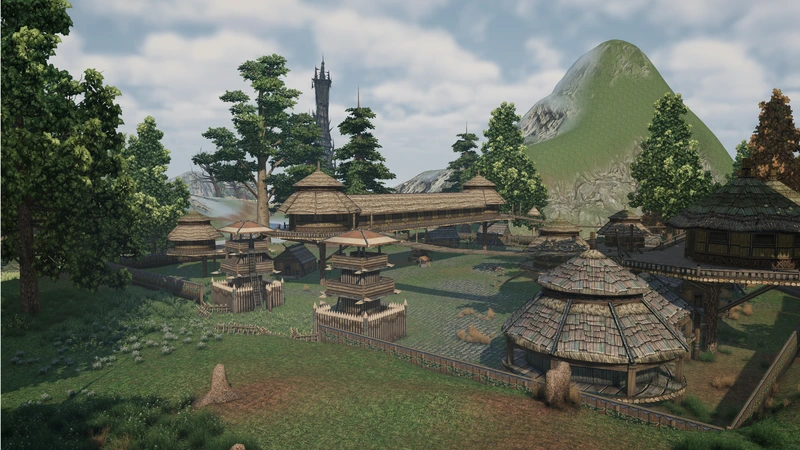
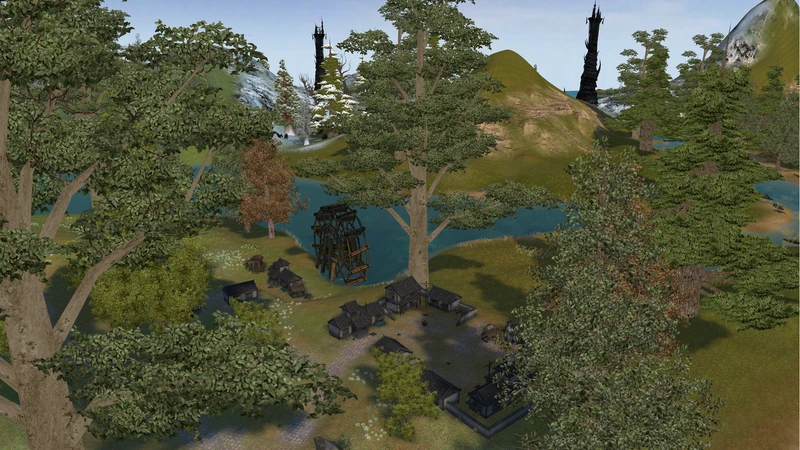
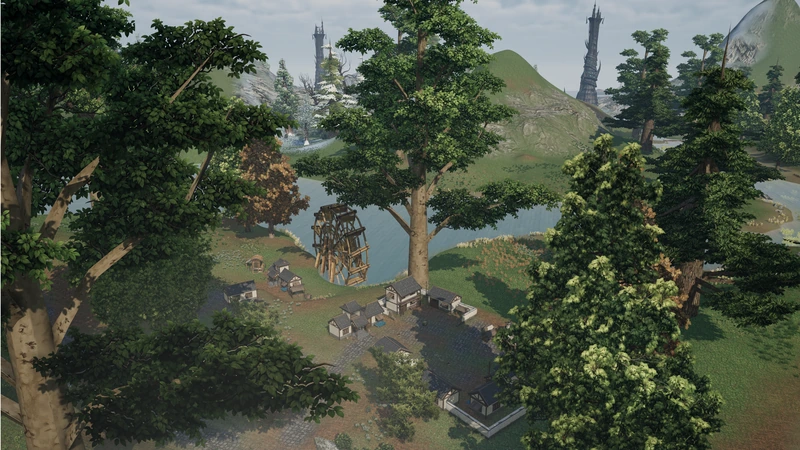
Each pair below contains a screenshot labeled Original and another labeled PWUnity. Look at building shapes, materials, terrain and vegetation. The images document a development stage, rather than a final result.
The interactive control on the home page helps you switch between versions. Here, all five pairs are available on the same page with captions and descriptions, so you can inspect each environment without switching tabs.
What the images do not measure
A visual comparison is not a test of FPS, latency, server stability or combat behavior. It also cannot establish system requirements or supported platforms. Those points need dedicated validation during development.
City entrance
Look at the outline of the stone buildings and the large carved sword identifying the entrance. The framing lets you compare architecture and materials.
Streets and architecture
Examine the street surfaces, oriental architecture and the relationship between lanterns, trees and buildings. These elements help identify the same place.
Village and landscape
Compare the wooden buildings and the terrain behind them. The village layout lets you examine how architecture and landscape shape the environment.
Valley and vegetation
See how vegetation, houses and the water wheel appear in the valley landscape. The screenshot helps you examine the composition and visible materials.
House and yard
Look at the timber and plaster walls, barrels and trees surrounding the yard. Nearby objects provide detail for the comparison.